
Group Editing:
Edit Multiple Images In One Go
CVPR 2026
Abstract

In this paper, we tackle the problem of performing consistent and unified modifications across a set of related images. This task is particularly challenging because these images may vary significantly in pose, viewpoint, and spatial layout. Achieving coherent edits requires establishing reliable correspondences across the images, so that modifications can be applied accurately to semantically aligned regions. To address this, we propose GroupEditing, a novel framework that builds both explicit and implicit relationships among images within a group. On the explicit side, we extract geometric correspondences using VGGT, which provides spatial alignment based on visual features. On the implicit side, we reformulate the image group as a pseudo-video and leverage the temporal coherence priors learned by pre-trained video models to capture latent relationships. To effectively fuse these two types of correspondences, we inject the explicit geometric cues from VGGT into the video model through a novel fusion mechanism. To support large-scale training, we construct GroupEditData, a new dataset containing high-quality masks and detailed captions for numerous image groups. Furthermore, to ensure identity preservation during editing, we introduce an alignment-enhanced RoPE module, which improves the model’s ability to maintain consistent appearance across multiple images. Finally, we present GroupEditBench, a dedicated benchmark designed to evaluate the effectiveness of group-level image editing. Extensive experiments demonstrate that GroupEditing significantly outperforms existing methods in terms of visual quality, cross-view consistency, and semantic alignment.
Method
GroupEdit Model Architecture
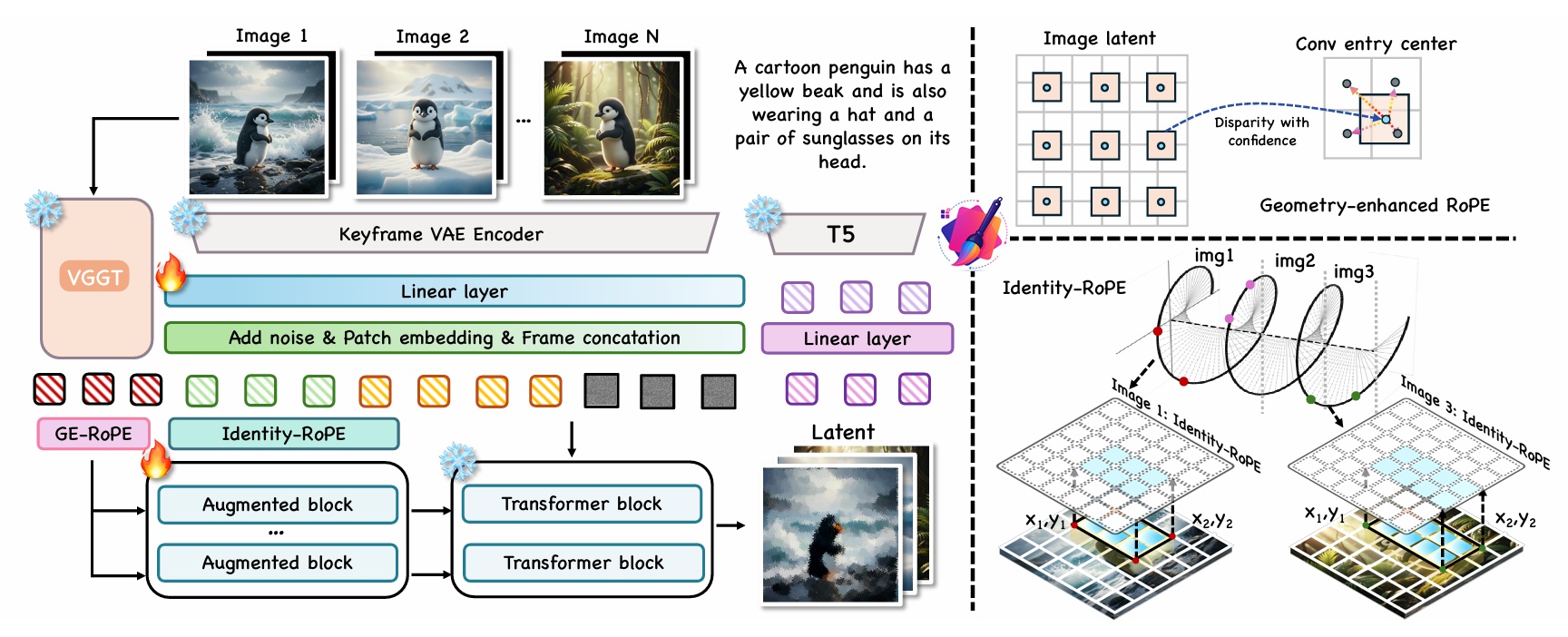
Given a series of images and their corresponding masks, we propose a novel framework for editing while ensuring the consistency of multiple images. To achieve fine-grained spatial alignment, we introduce Geometry-enhanced RoPE (GE-RoPE), which enhances the model’s ability to maintain consistent spatial relationships across different frames, and Identity RoPE for better consistent identity preservation.
Video Demonstration
Group Editing Examples
Image Customization
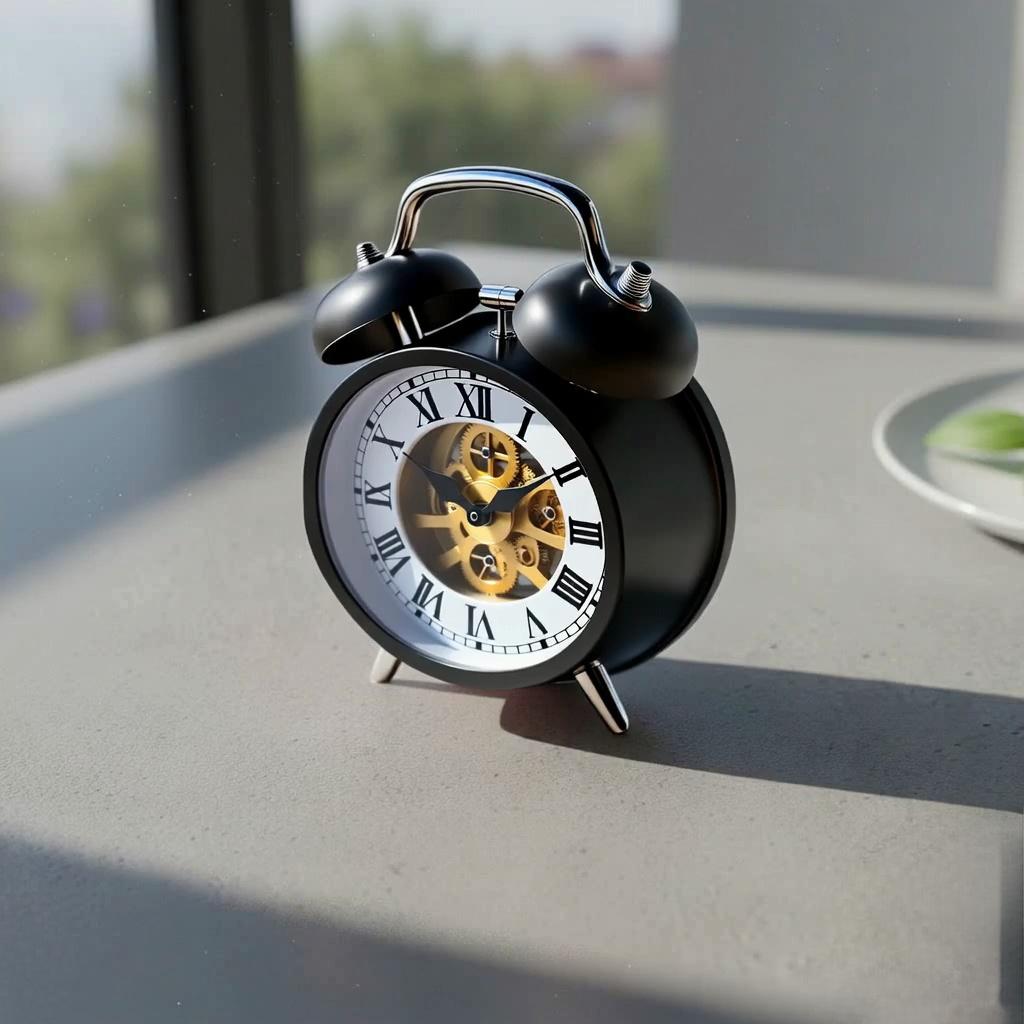
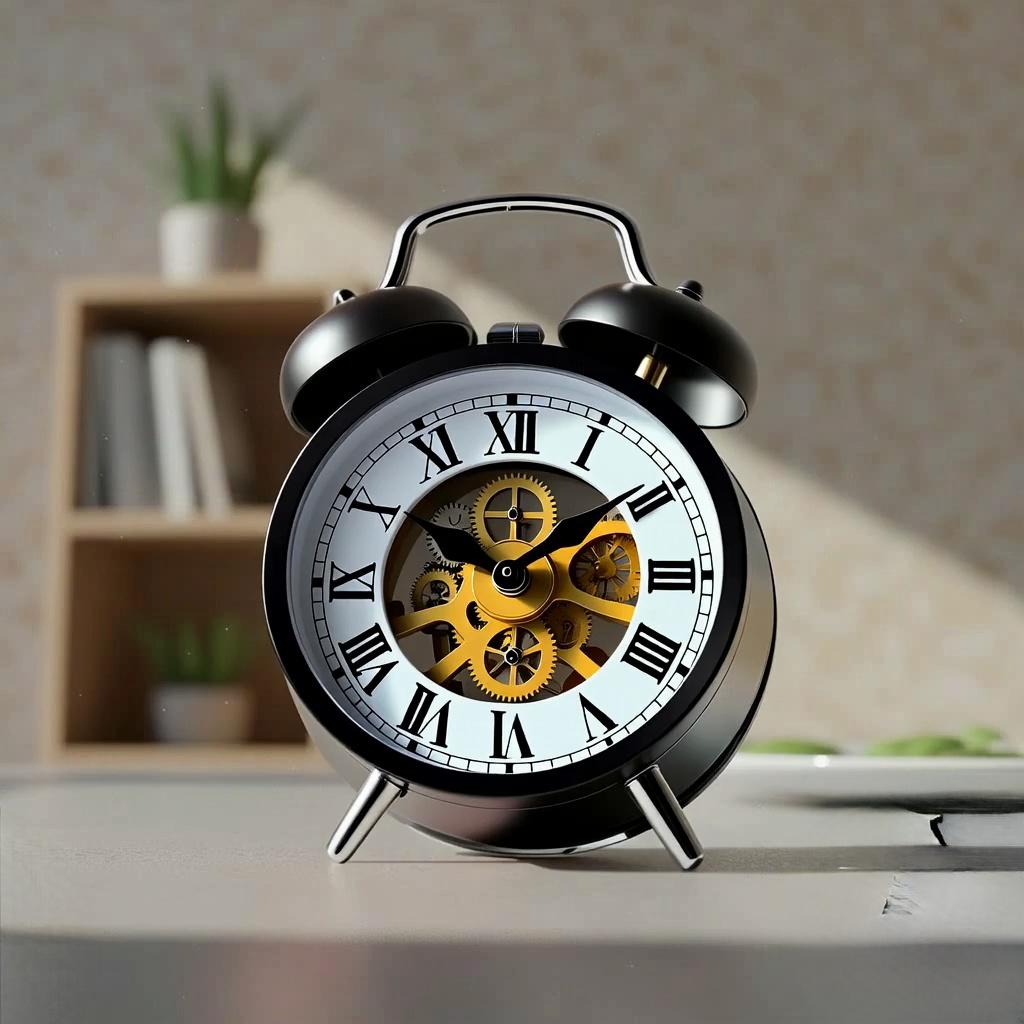
Show the results of style transfer and object editing based on DreamBooth.
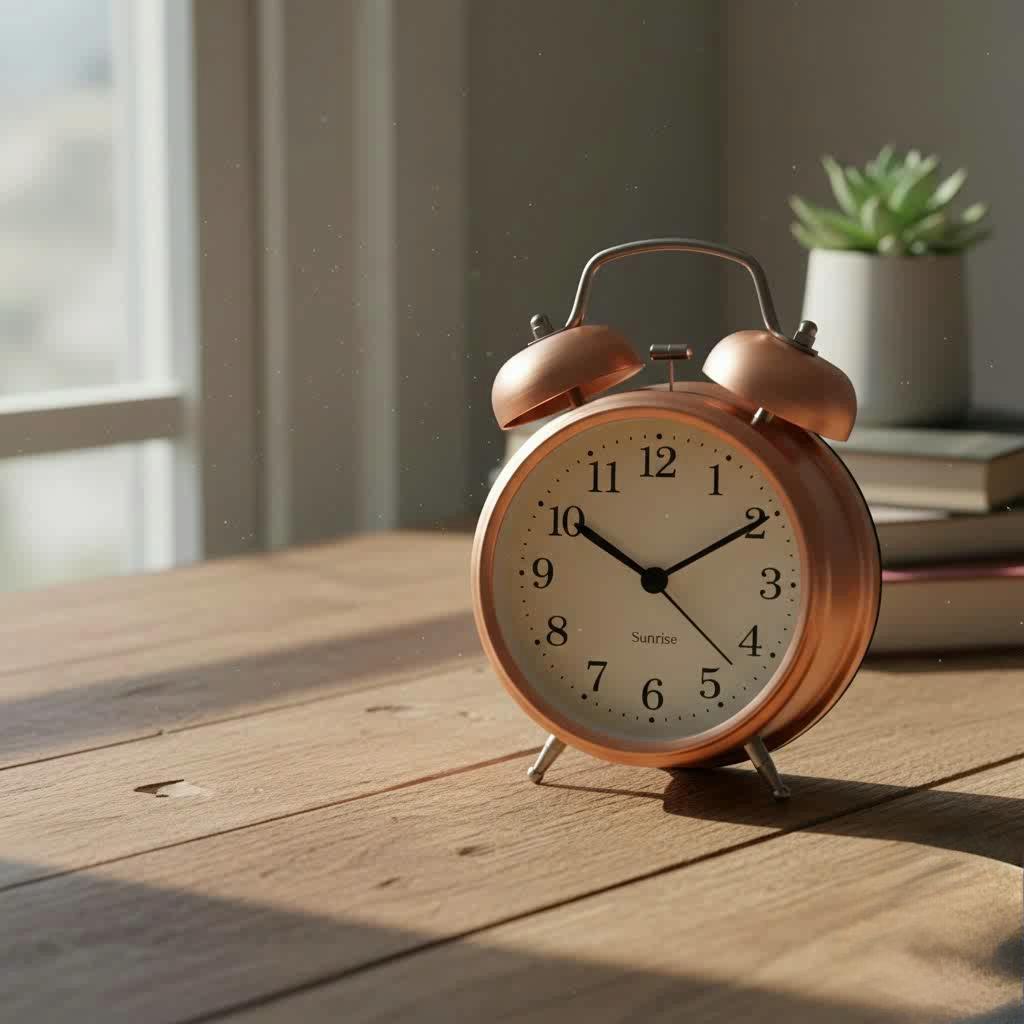
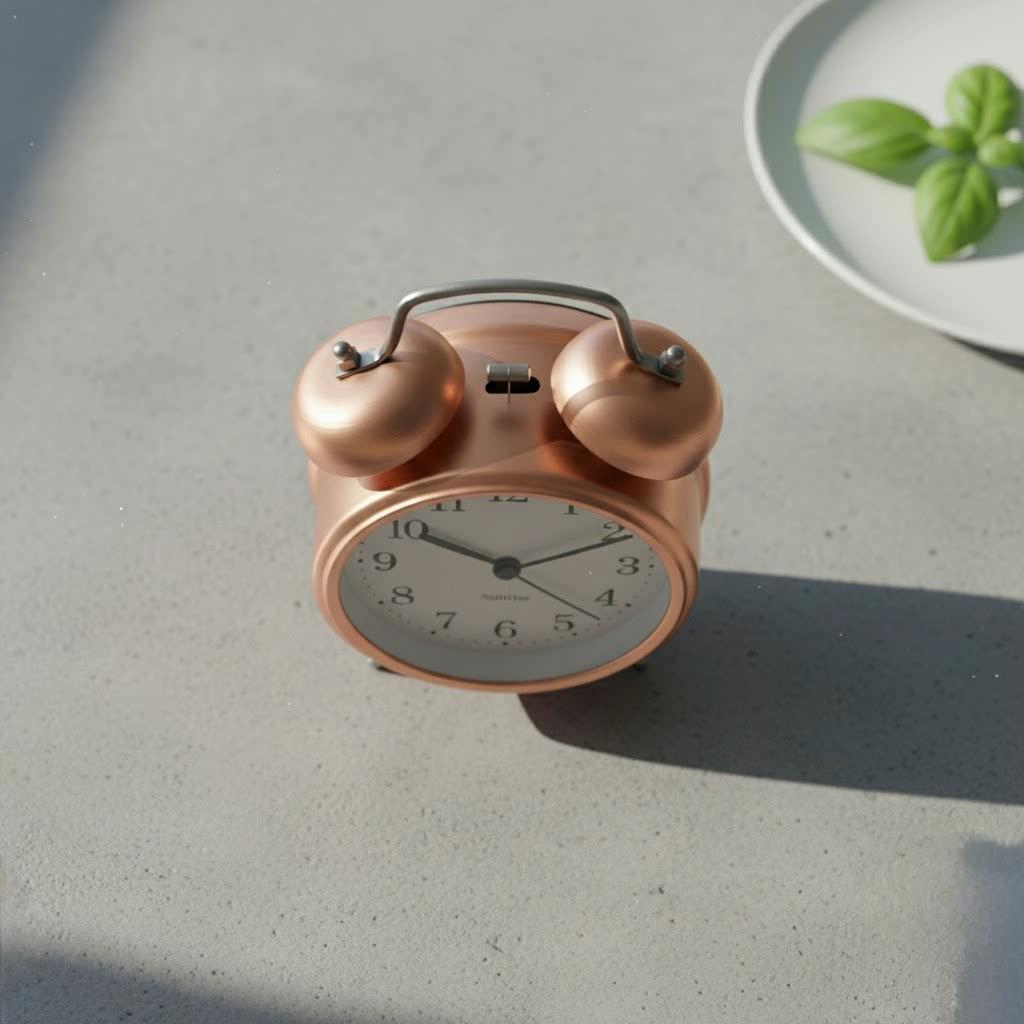
Input
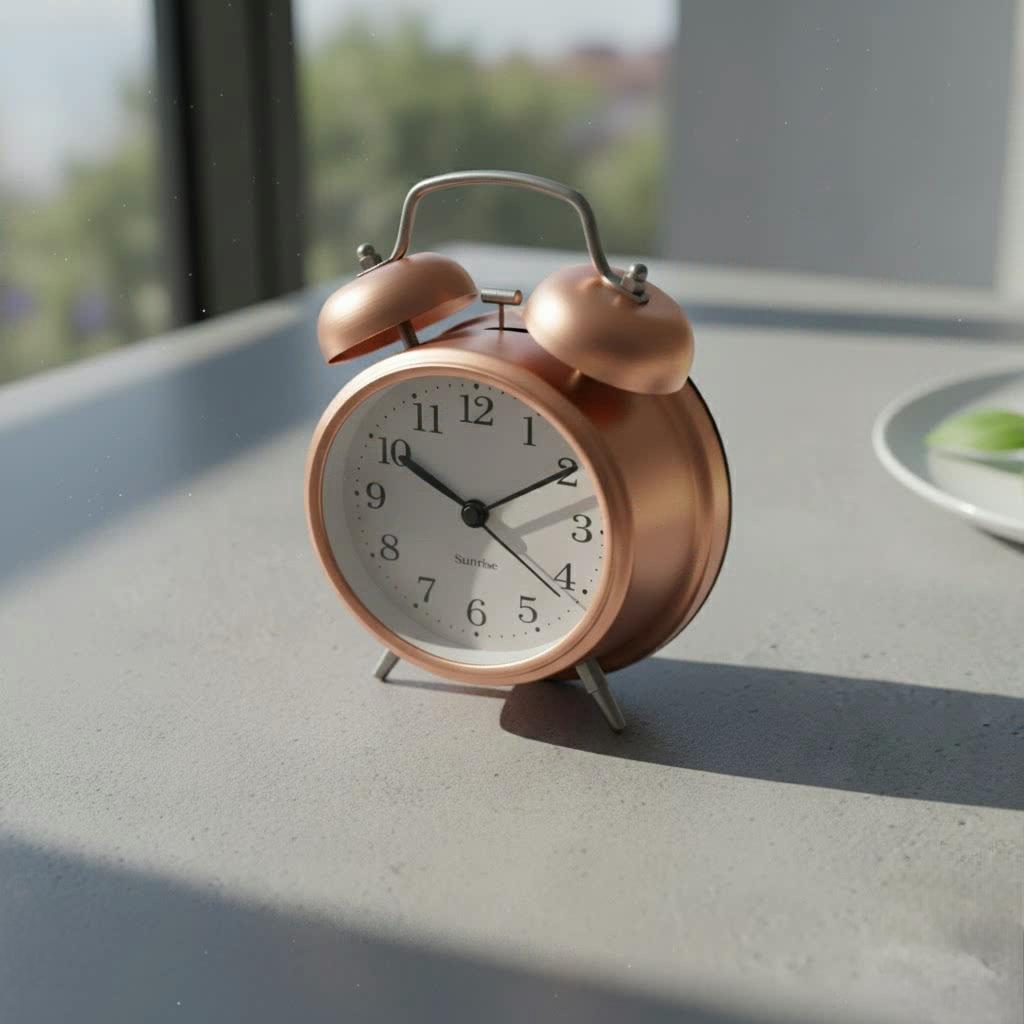
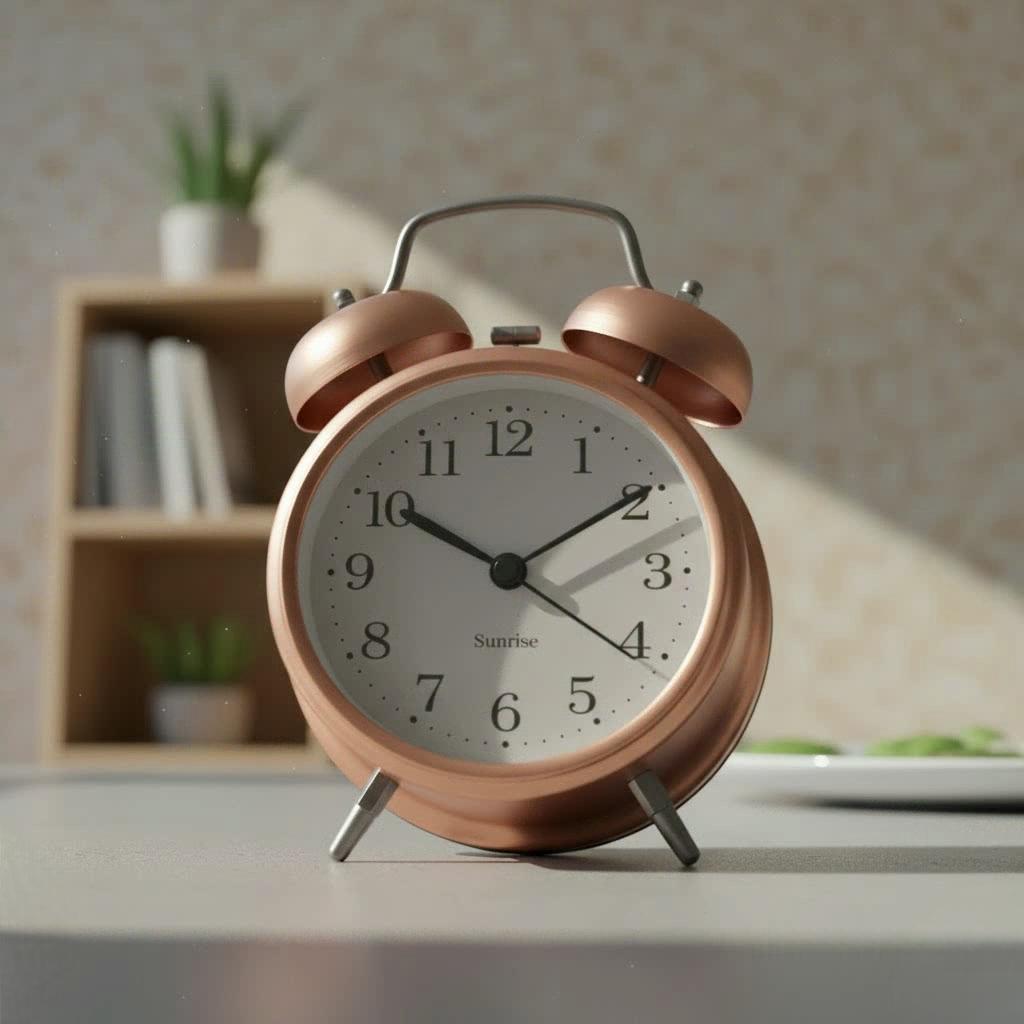
Edited Results
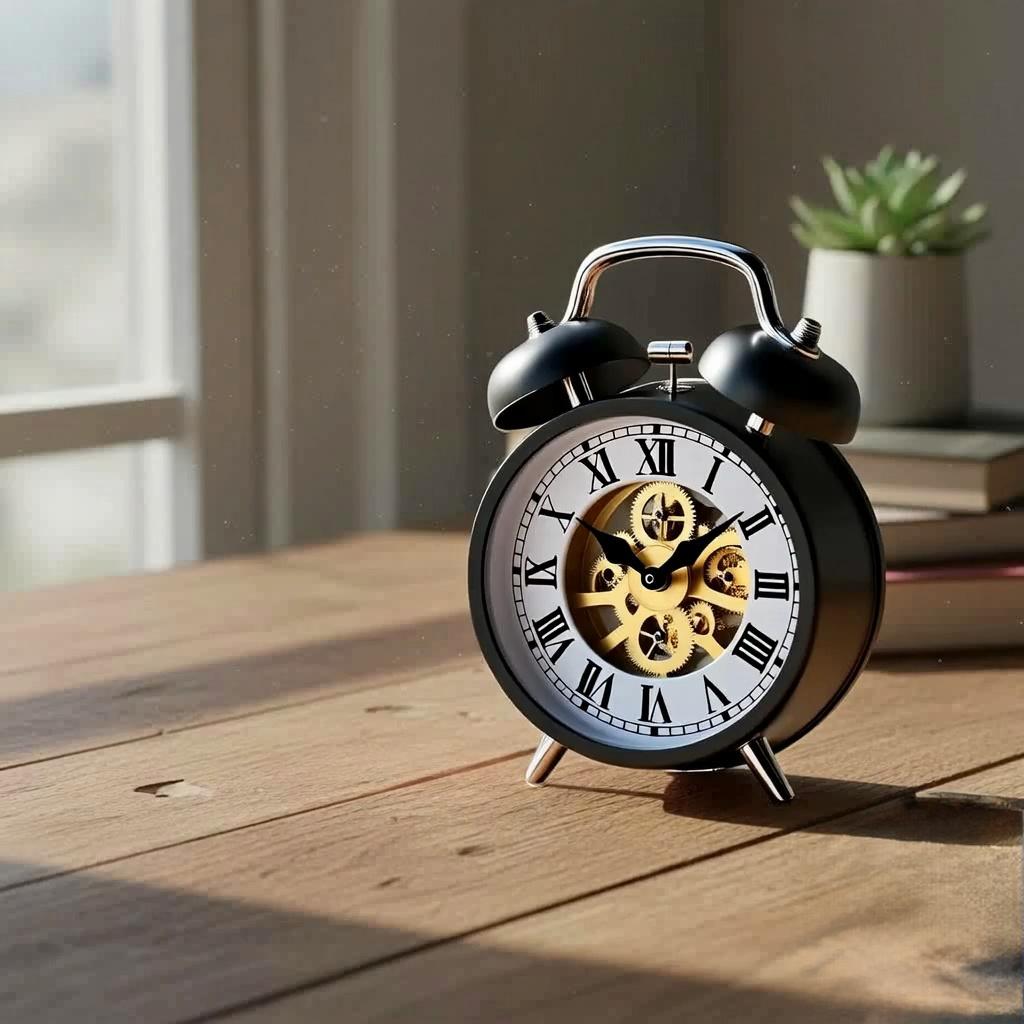
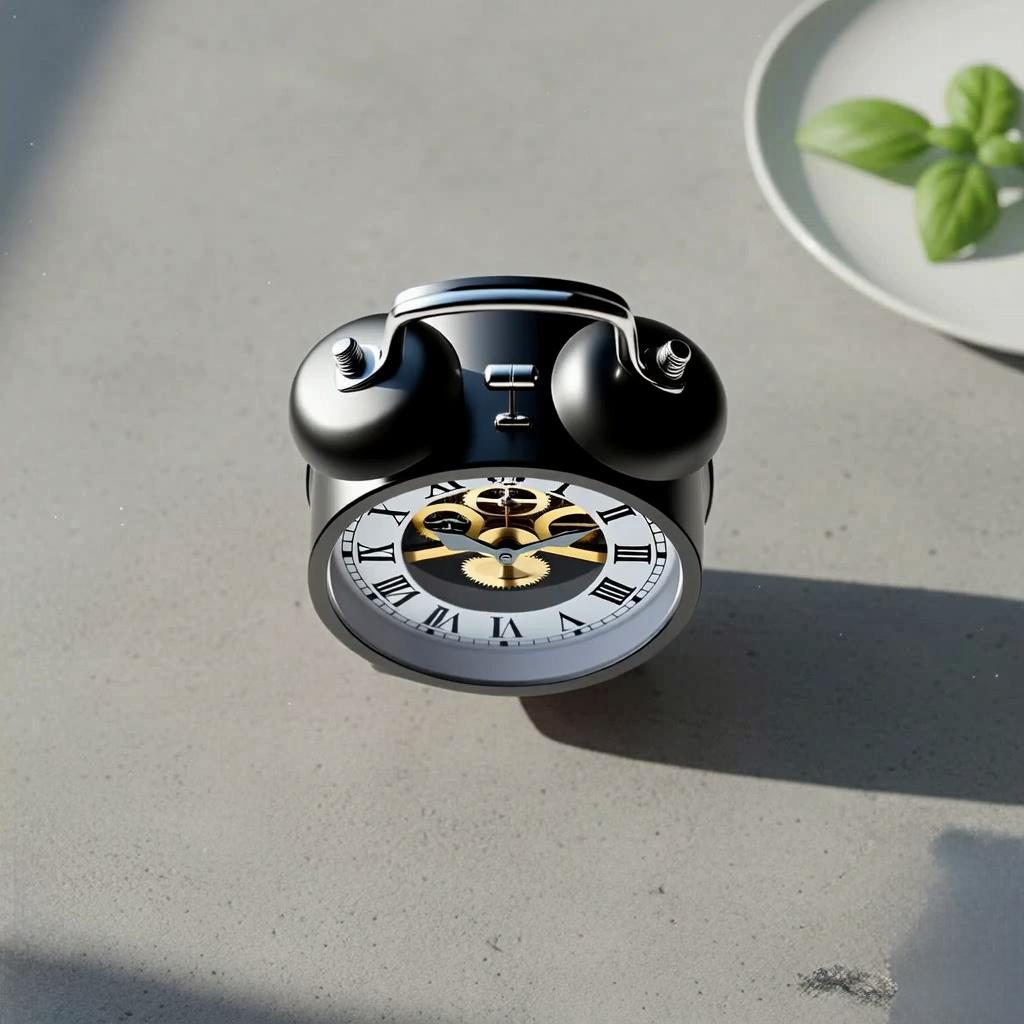
Edited Results (With Prompt)
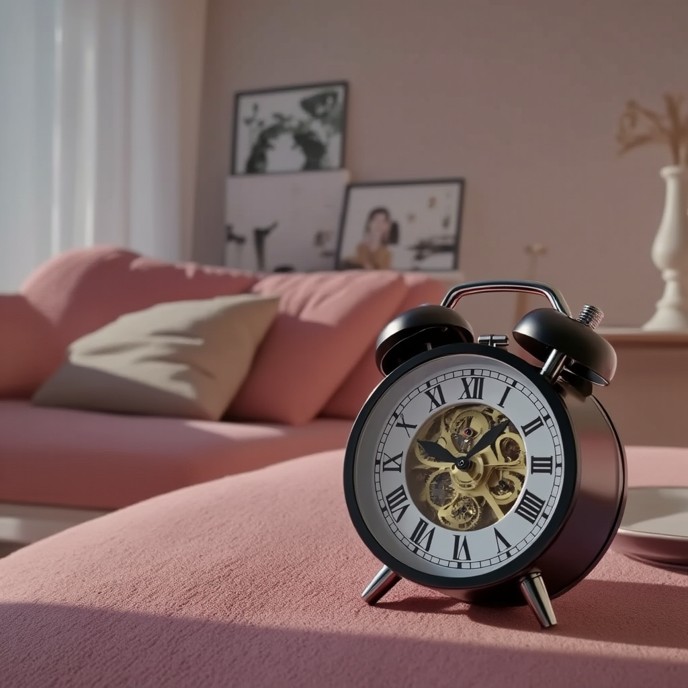
A vintage alarm clock placed on a pink couch, in a cozy living room.

A floating alarm clock above cloud layers, under a starry night sky.

An alarm clock holding a tiny umbrella, on a rainy wet street.
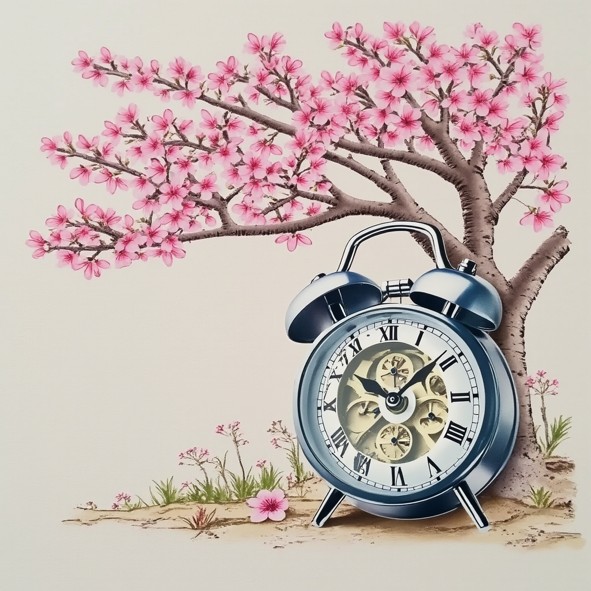
An alarm clock leaning by a cherry tree, with blooming pink blossoms.
Input



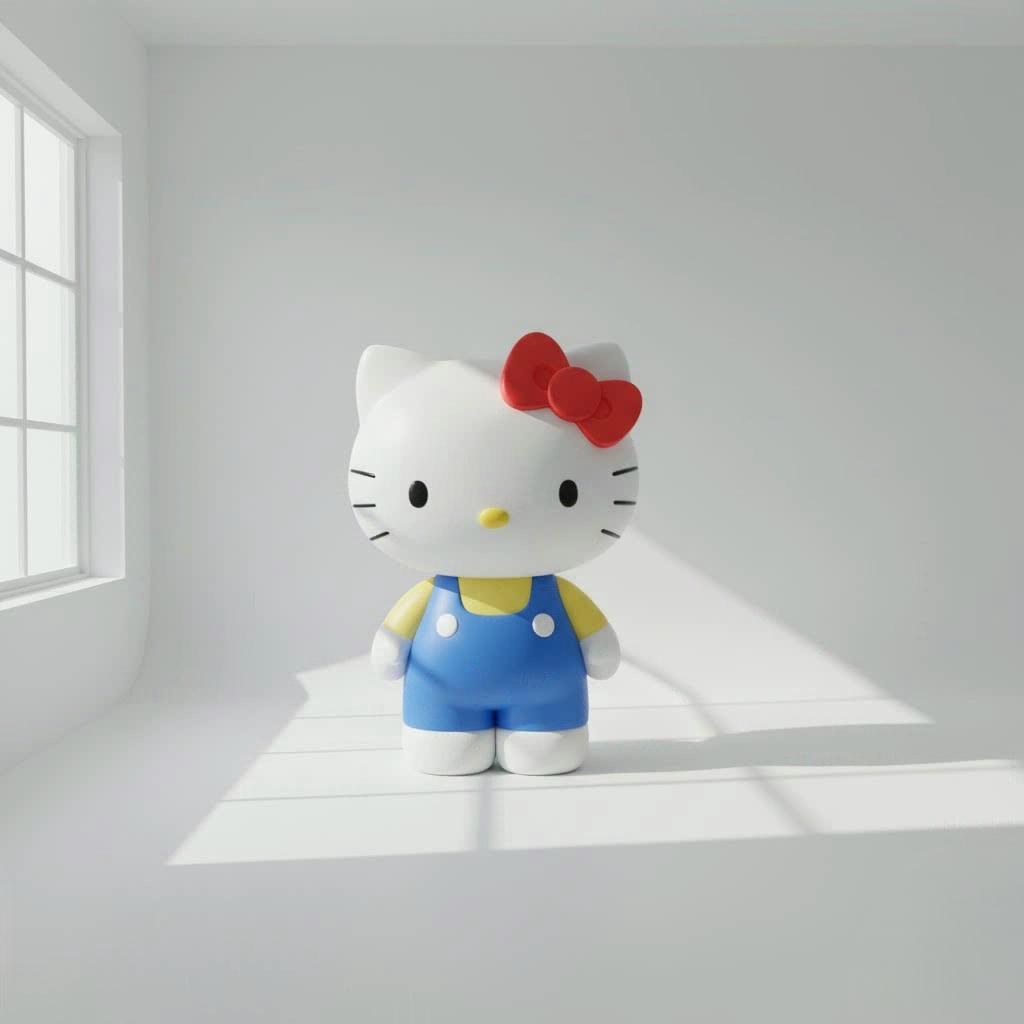
Edited Results



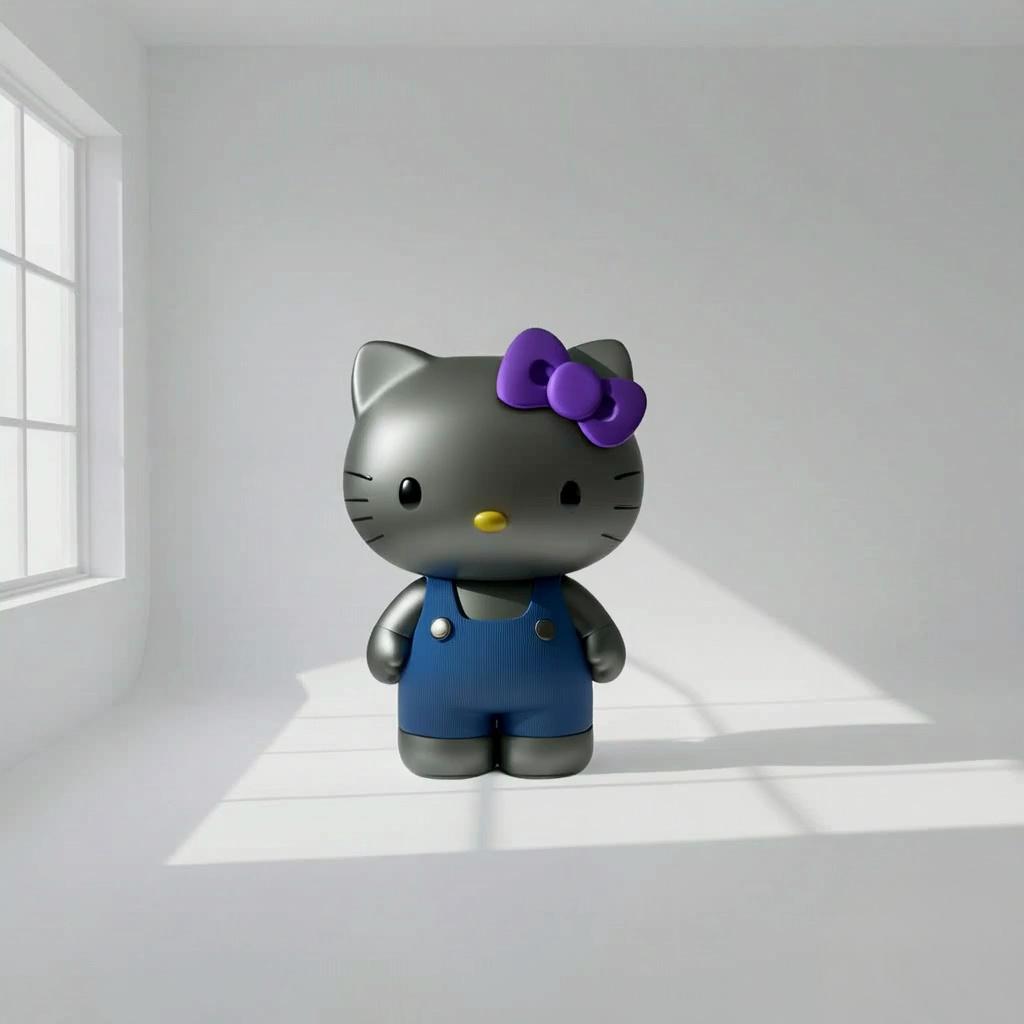
Edited Results (With Prompt)
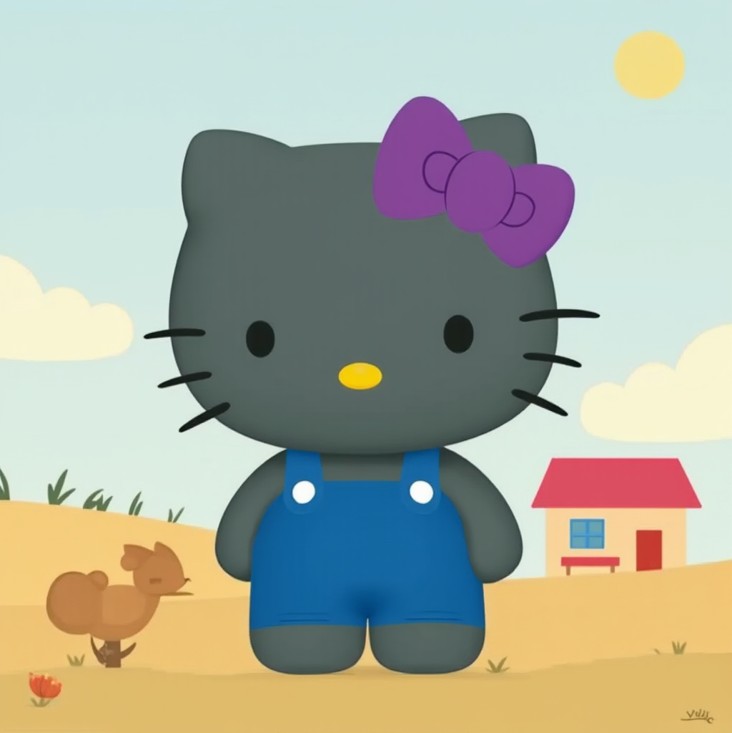
A gray Hello Kitty with purple bow and overalls, in a simple countryside scene.
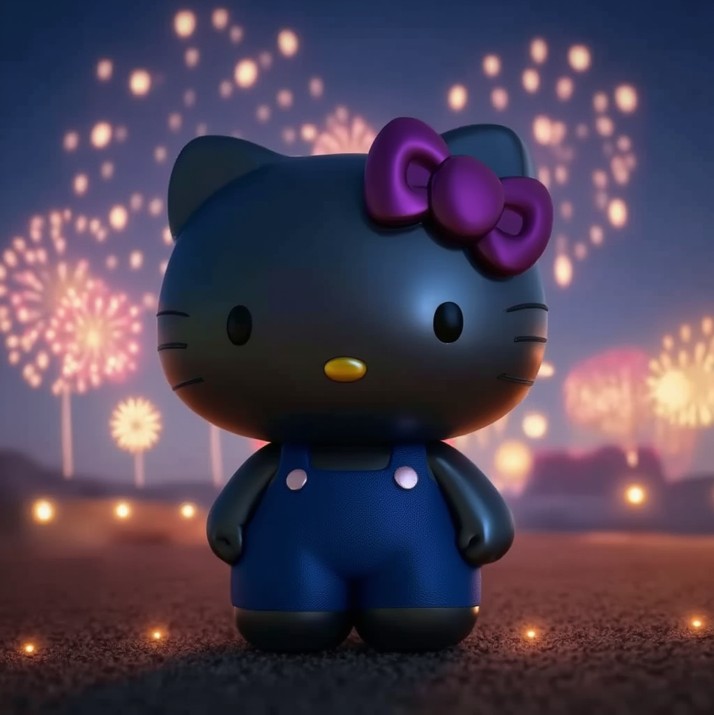
A gray Hello Kitty under sparkling fireworks, with glowing bokeh background.

A gray Hello Kitty sitting by a cherry tree, with pink blooming flowers.

A gray Hello Kitty holding a purple umbrella, on a rainy city street.
Input
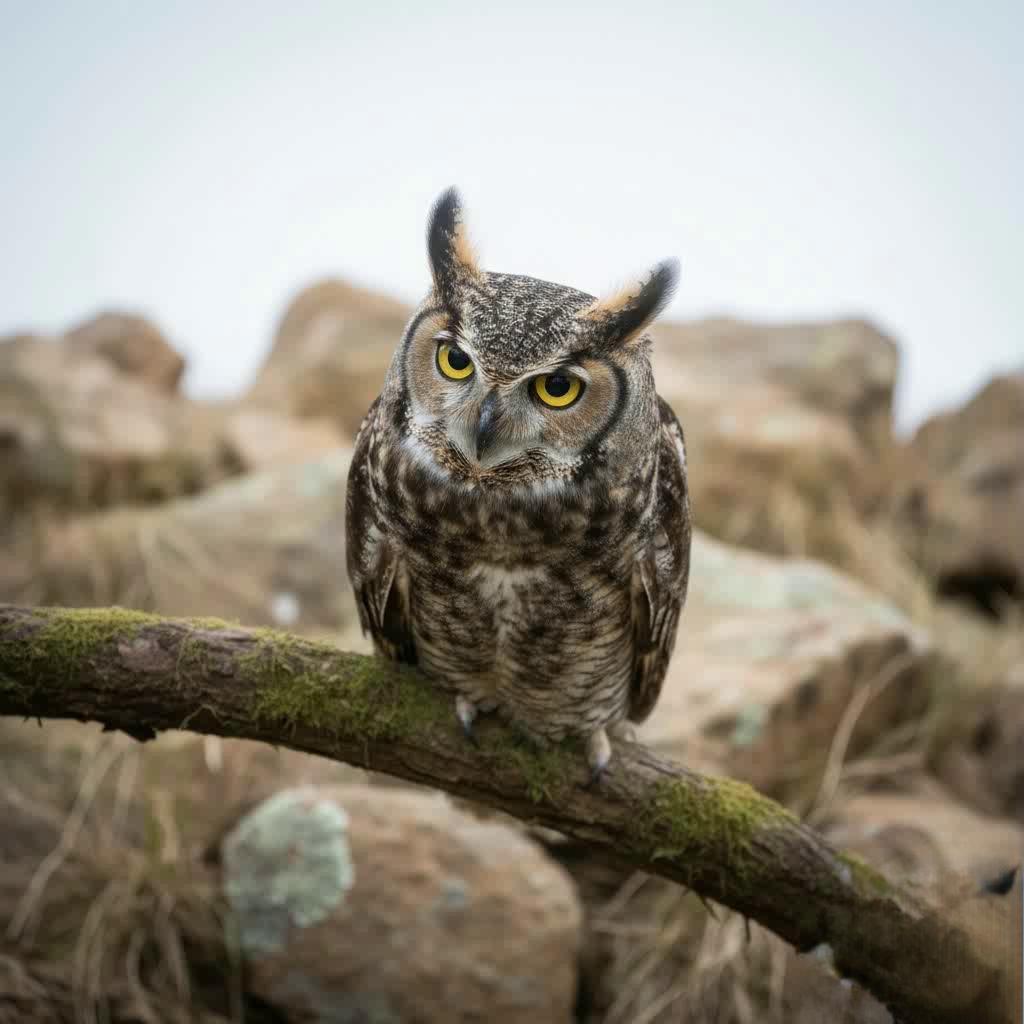
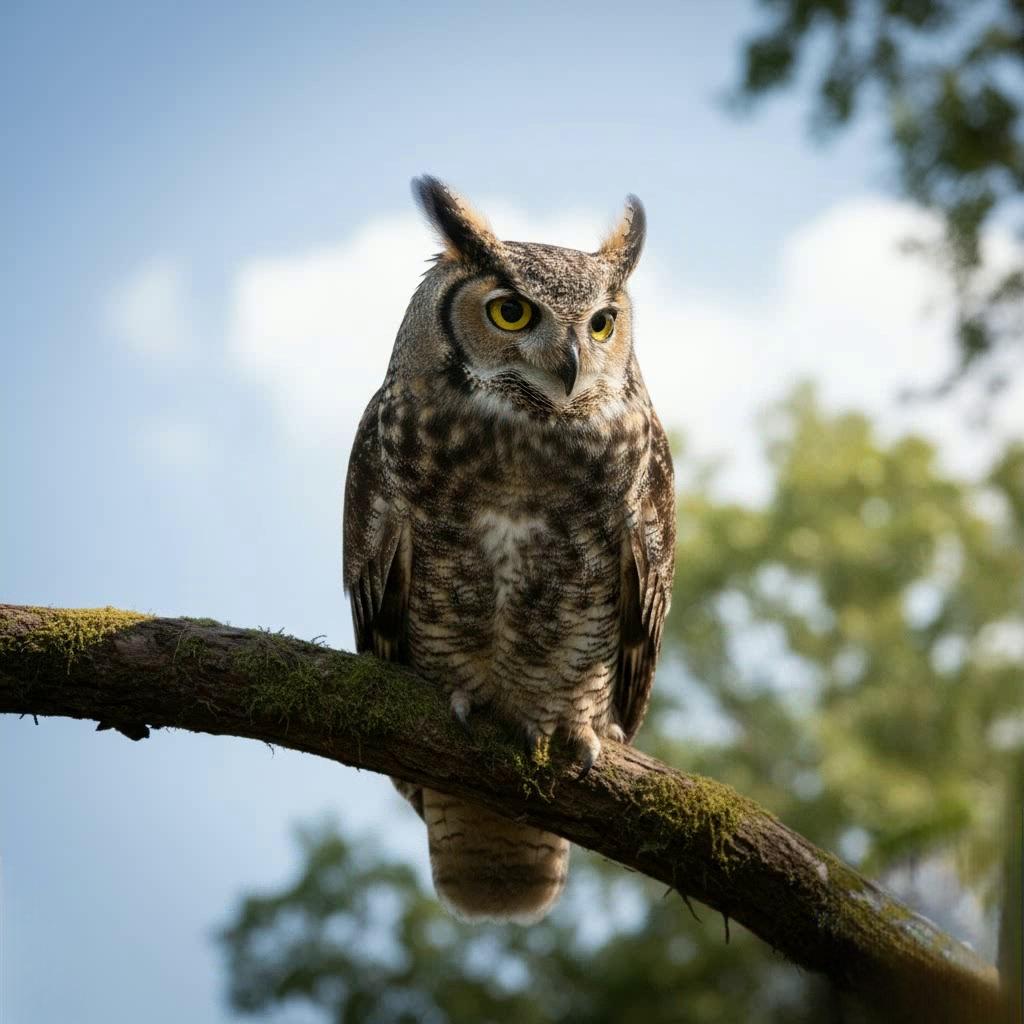
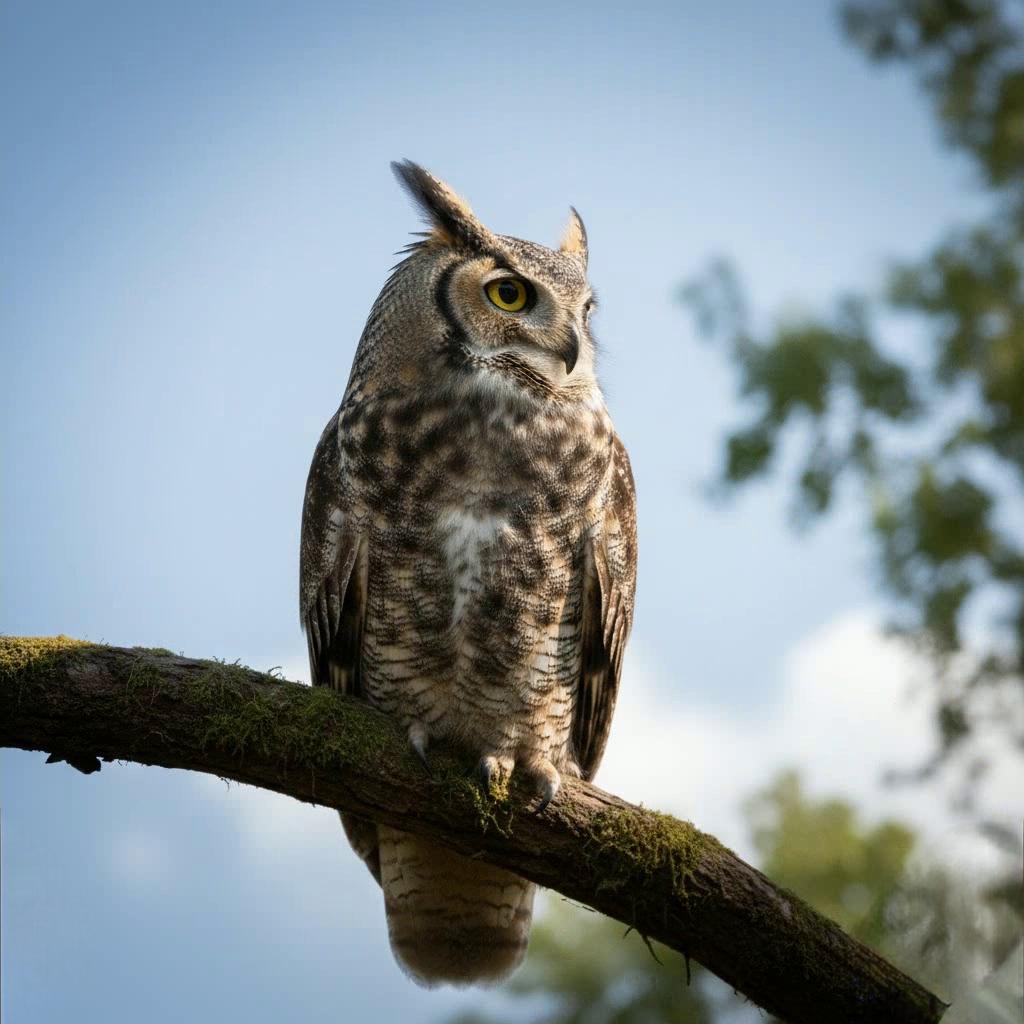
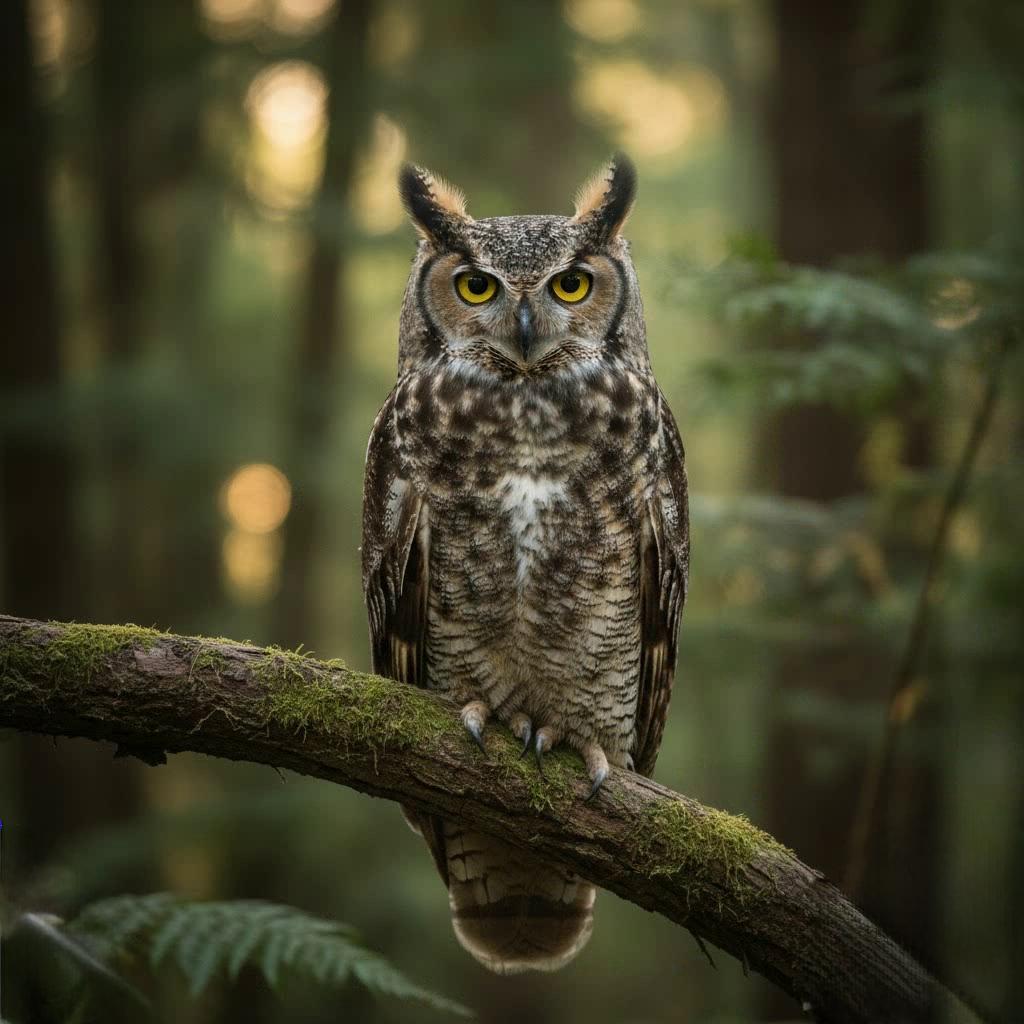
Edited Results
Edited Results (With Prompt)
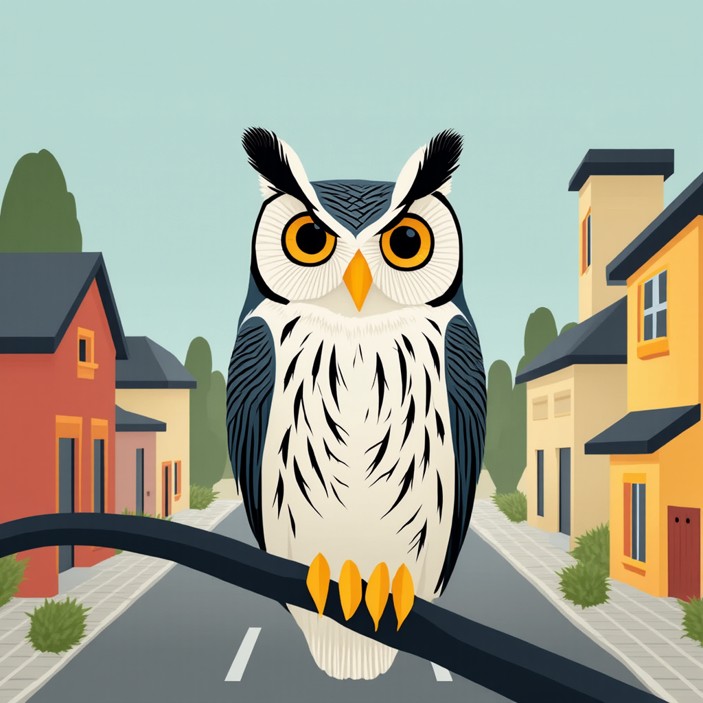
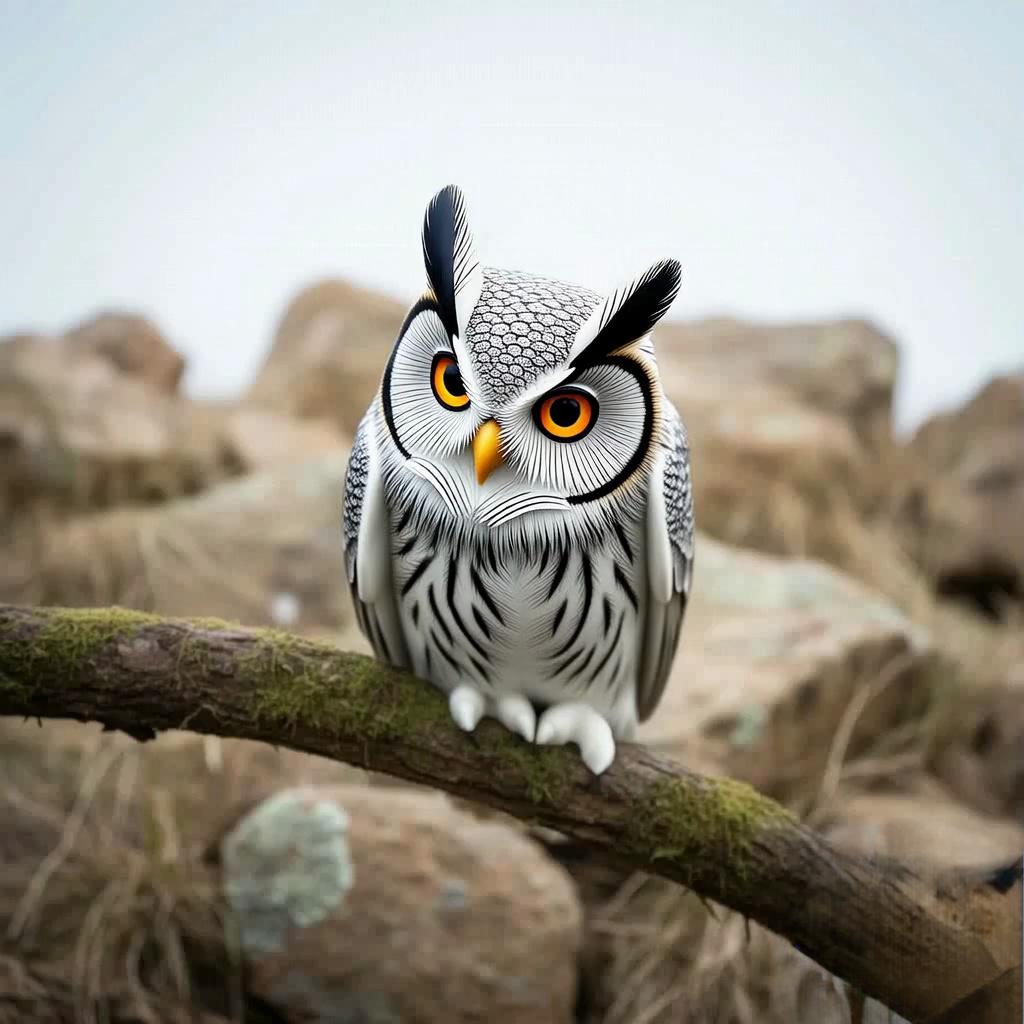
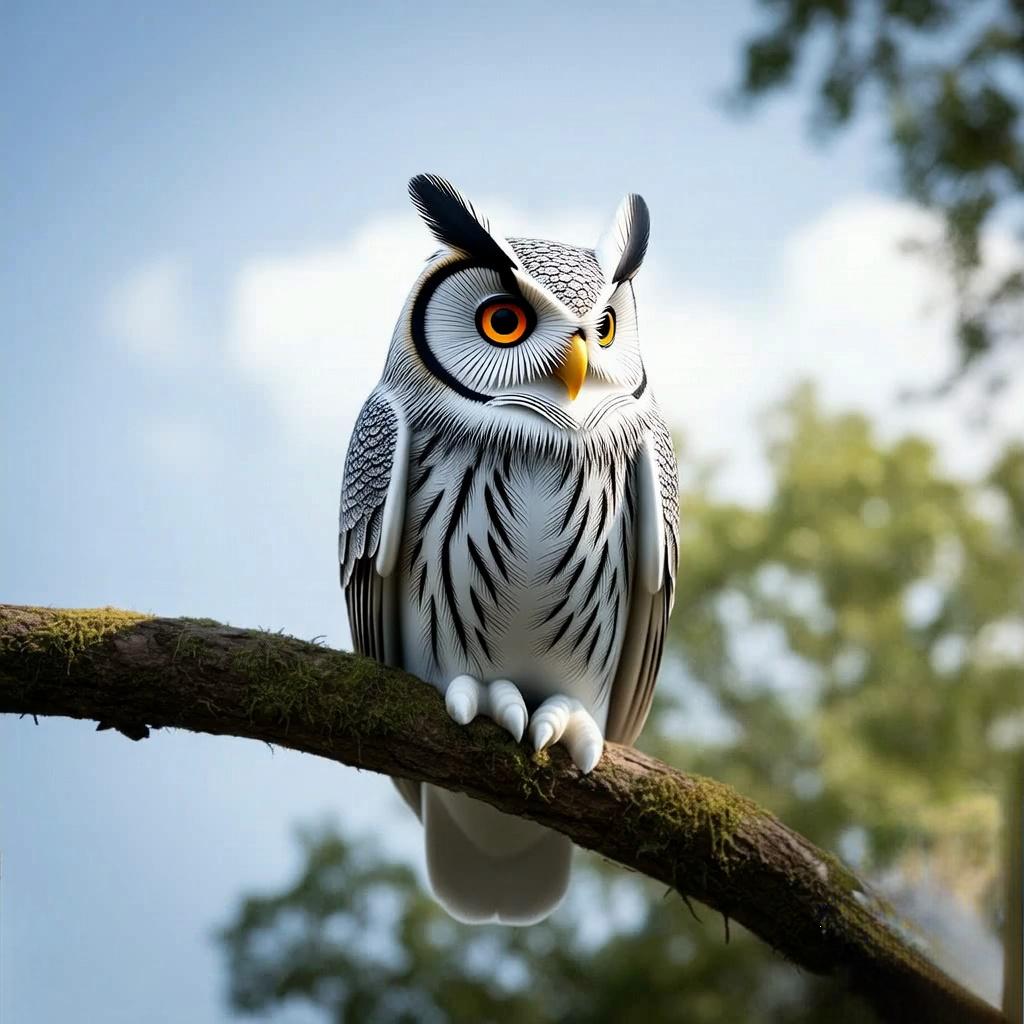
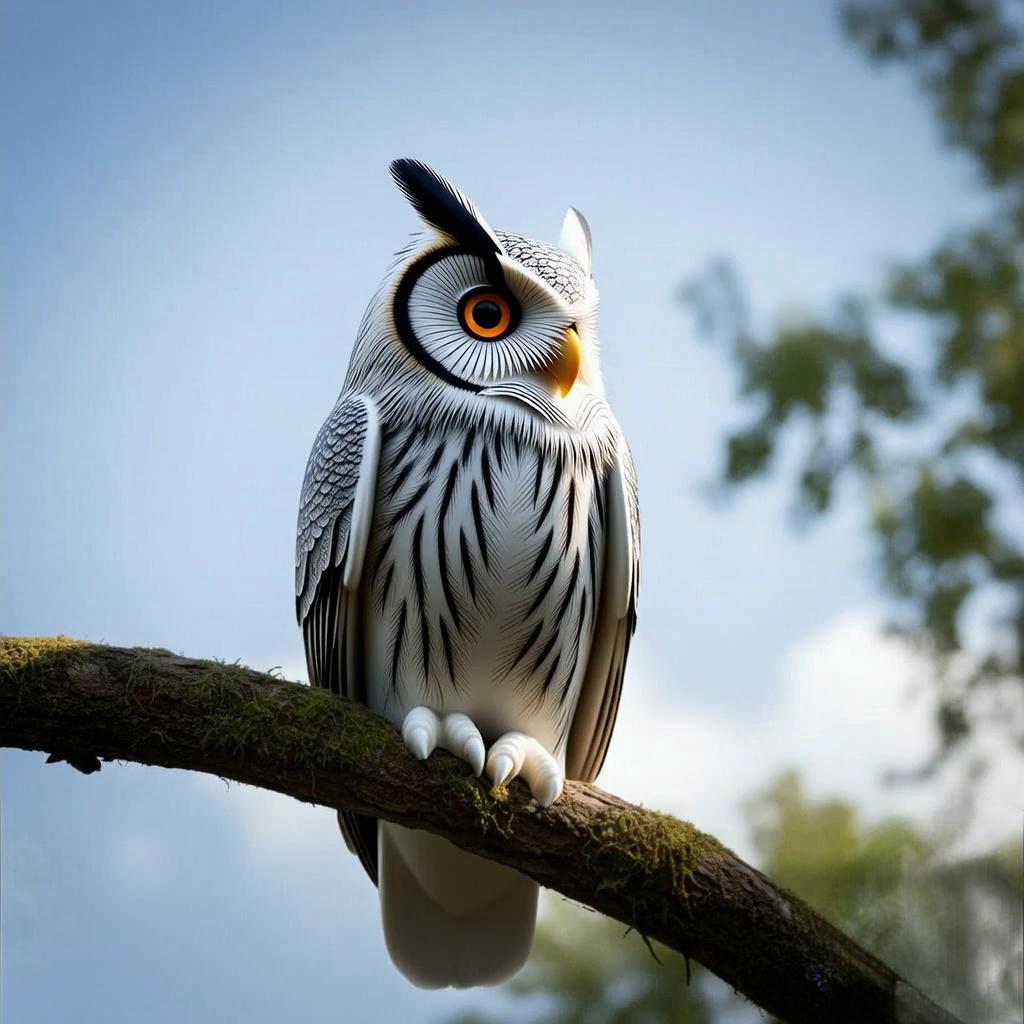
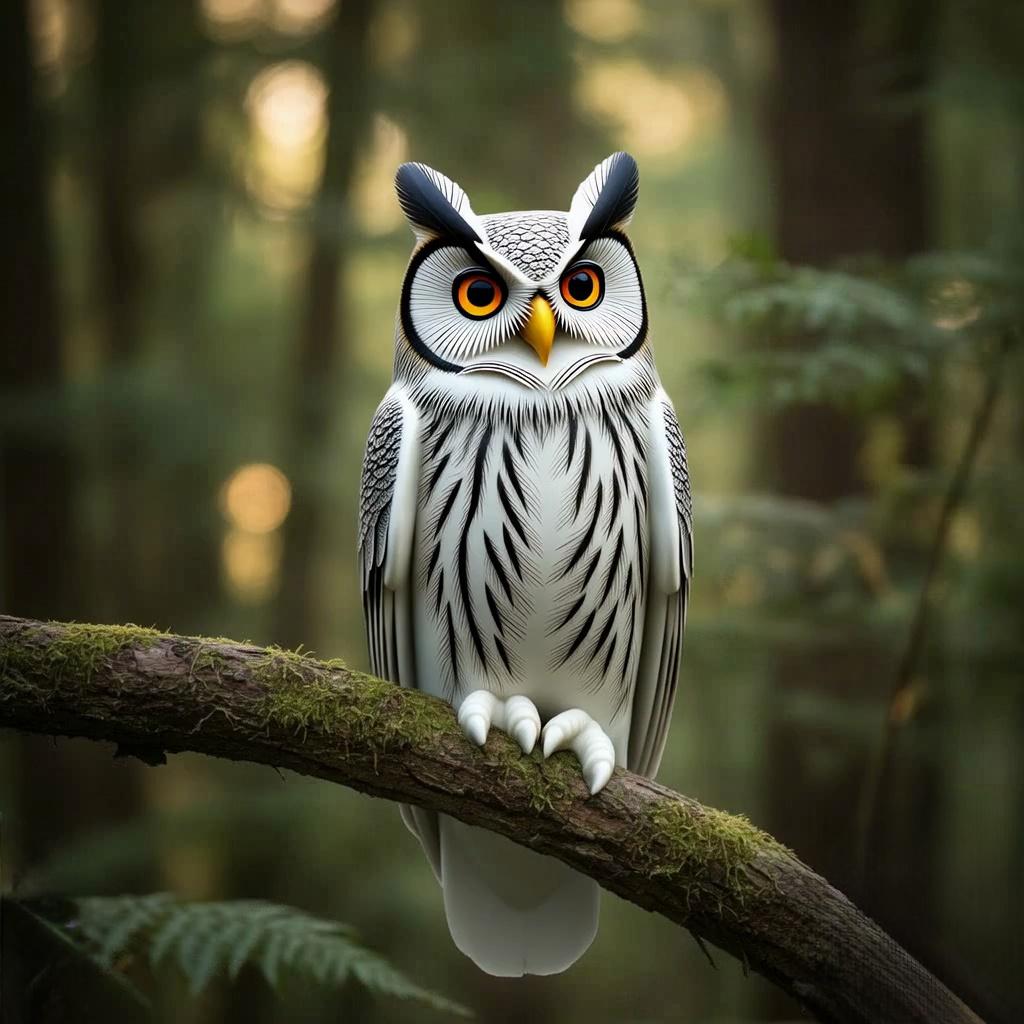
A flat-illustrated owl perched on a street lamppost, by colorful cartoon town houses.

A realistic owl resting on a forest branch, bathed in sunlit woodland glow.
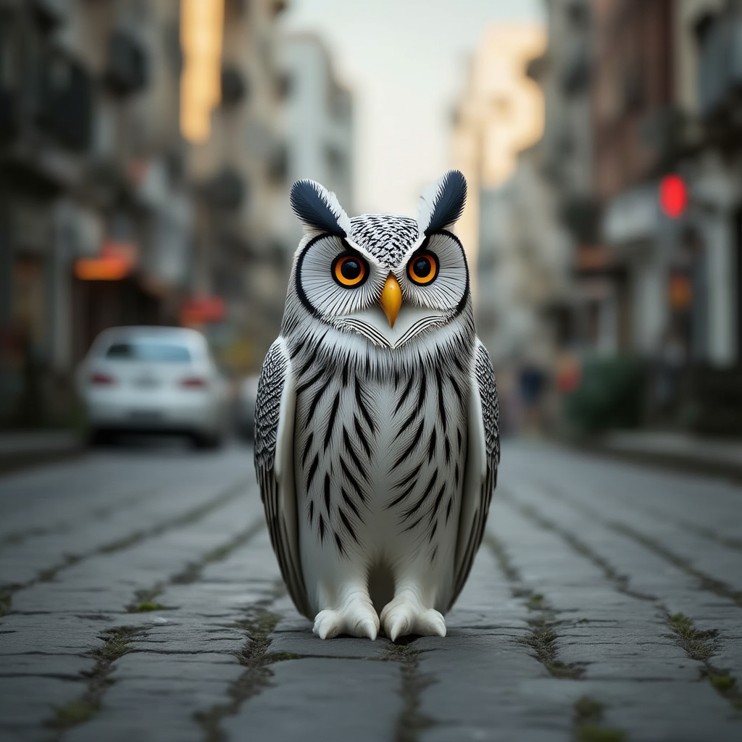
An owl standing on a cobblestone street, amid blurred urban buildings.
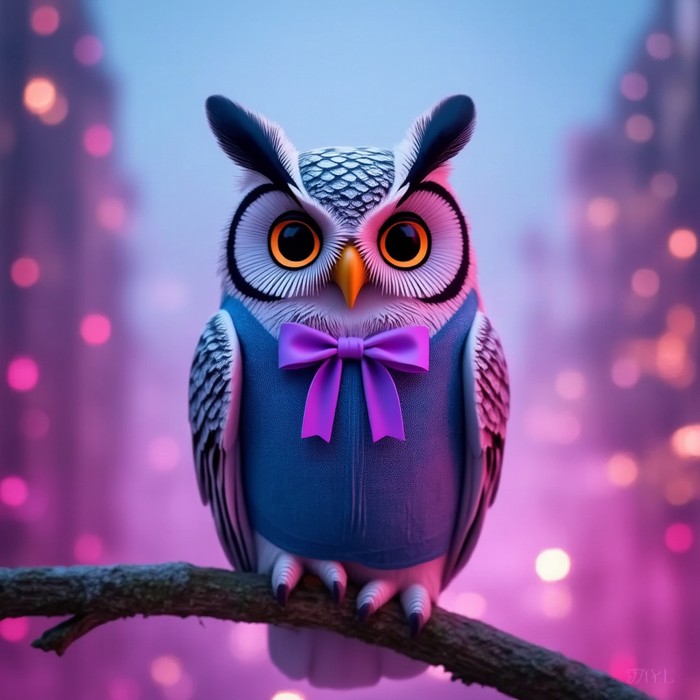
A bow-tied owl on a branch, against pink-purple glowing bokeh.
3D Reconstruction Results
Input images (varying counts) and corresponding 3D reconstruction results.
Reconstruction Result